
Ask. Confirm. Done.
Techs ask BRAD in plain words, by voice, text, or barcode scan. BRAD finds the information and drafts the work-order step. The tech confirms, and the CMMS keeps the record.
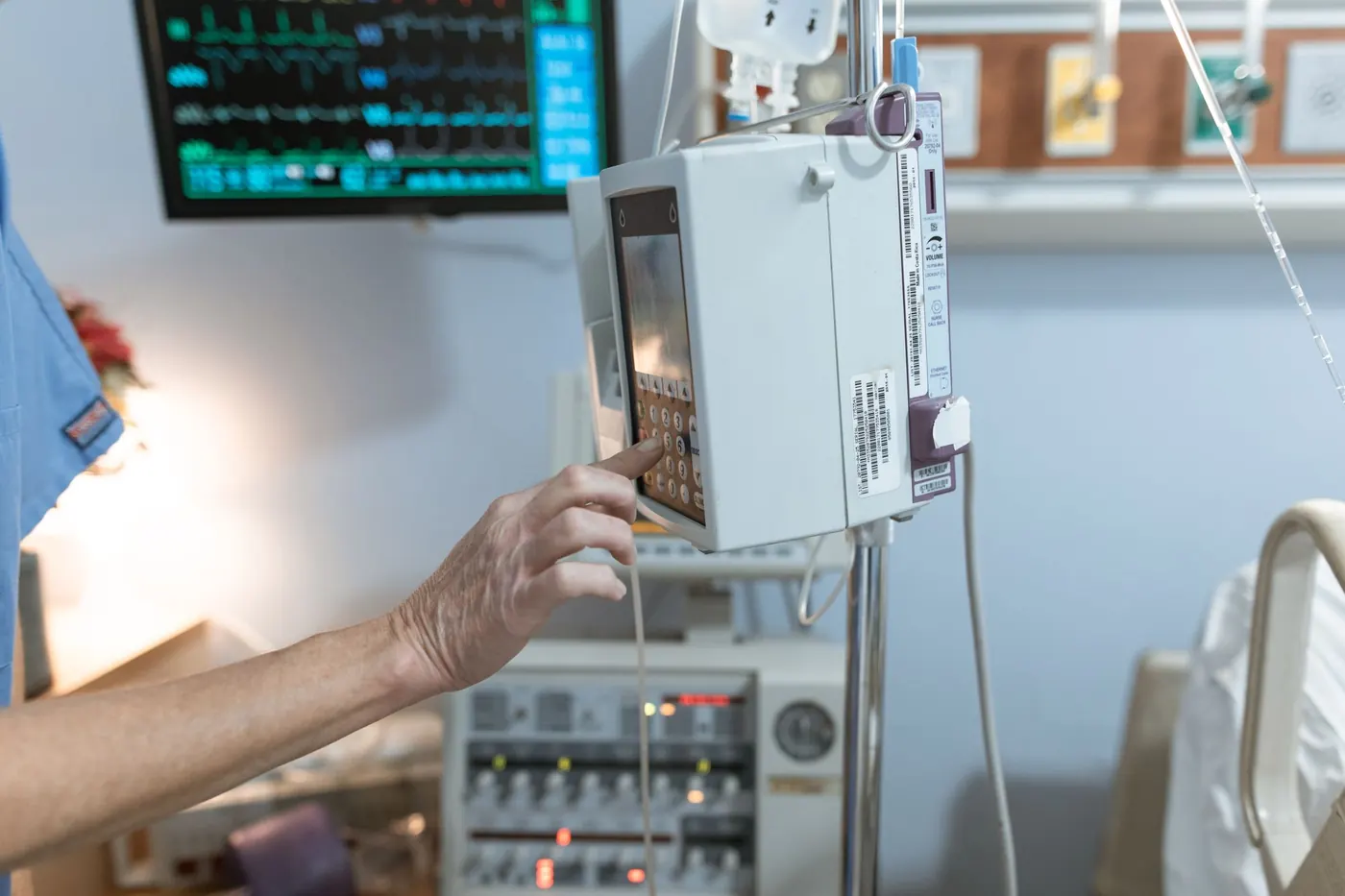
From "this pump is alarming" to a saved work order.
Ask in plain words
Talk, type, or scan the asset tag. No menus, no long forms.
BRAD reads the CMMS
BRAD finds the equipment, its location, history, and what's open or due, in SIQonix or your current CMMS.
BRAD drafts it
BRAD drafts the work order, PM step, or answer and shows it to you.
You confirm, it saves
Nothing is written until the tech confirms. Then the CMMS keeps the record.
Works with the CMMS you already run, or replaces it.
With the BRAD add-on, BRAD sits on top of your current CMMS, whichever one it is. Nothing to rip out, and no new system of record for IT to manage. Or choose full SIQonix with BRAD built in.
- Your CMMS stays the system of record
- BRAD connects by API or an approved export, scoped with your IT team
- Your CMMS rules and permissions still apply
- BRAD never writes a change without tech confirmation

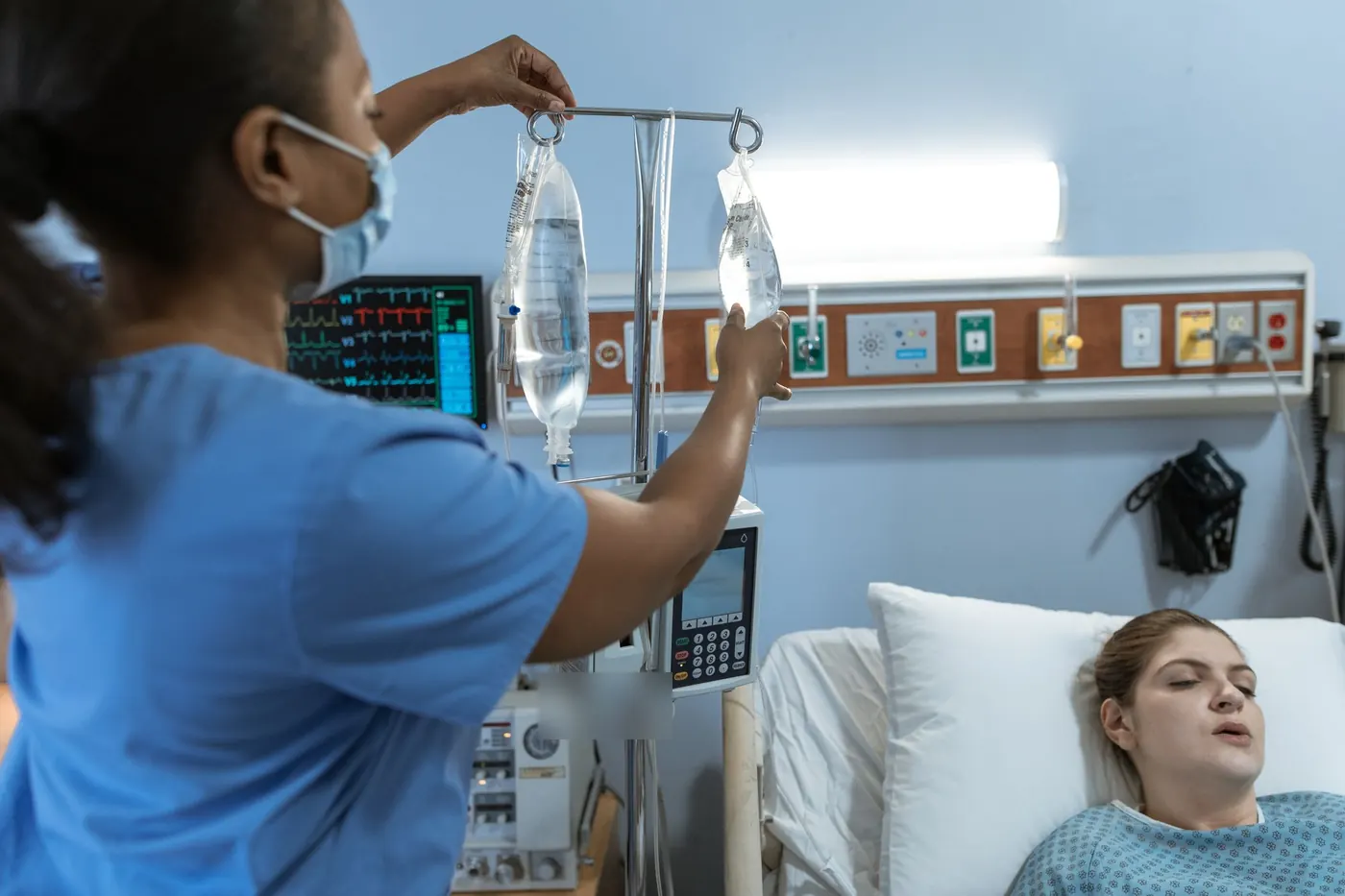
Nurses report it in a few words.
No more logging on to a computer to fill in a long form.
1. Log in and talk to BRAD
Say your name, the asset tag, and what is wrong.
2. BRAD opens the work order
The request lands in the biomed queue with the right equipment attached.
3. Updates come to you
An email when it is submitted, updated, and repaired.
Start small. Prove it on your floor.
We meet your team where they are, start with the workflow that hurts most, and expand from there.
Walk your workflow
We sit with your biomed team, learn the real process, and find where the time leaks.
Demo
See SIQonix and BRAD on workflows like yours, with sample data.
Pilot
Try it in one biomed shop, starting with sample or approved test data. We help with setup and training.
Choose your path
Full SIQonix, or keep your CMMS and add BRAD.
Switching to full SIQonix
We export the data from your old CMMS, move it into SIQonix and check it with you, set up SIQonix and train your team, then go live.
Adding BRAD to your CMMS
We scope the connection with your IT team (API or approved export). Your CMMS stays exactly where it is.
IT & fit FAQ
Does BRAD replace our CMMS?
Not unless you choose full SIQonix. As an add-on, BRAD sits on top of your CMMS and your CMMS stays the system of record.
How does it connect?
Through your CMMS's API or an approved export. We scope the connection with your IT team during the pilot.
Does BRAD change records on its own?
No. BRAD drafts the action and the tech confirms before anything is written to the CMMS.
Can our IT team review it before a pilot?
Yes. Email support@siqonix.ai and we'll set up time with your IT team.